How to create a new account and enter Ticket Distributor
Modified on: 2025-10-09 15:11
TABLE OF CONTENTS
Before you Start
Before using DerbySoft’s products, you must create an account to log in and learn how to use more products securely.

Instructions
Step 1: Create Account
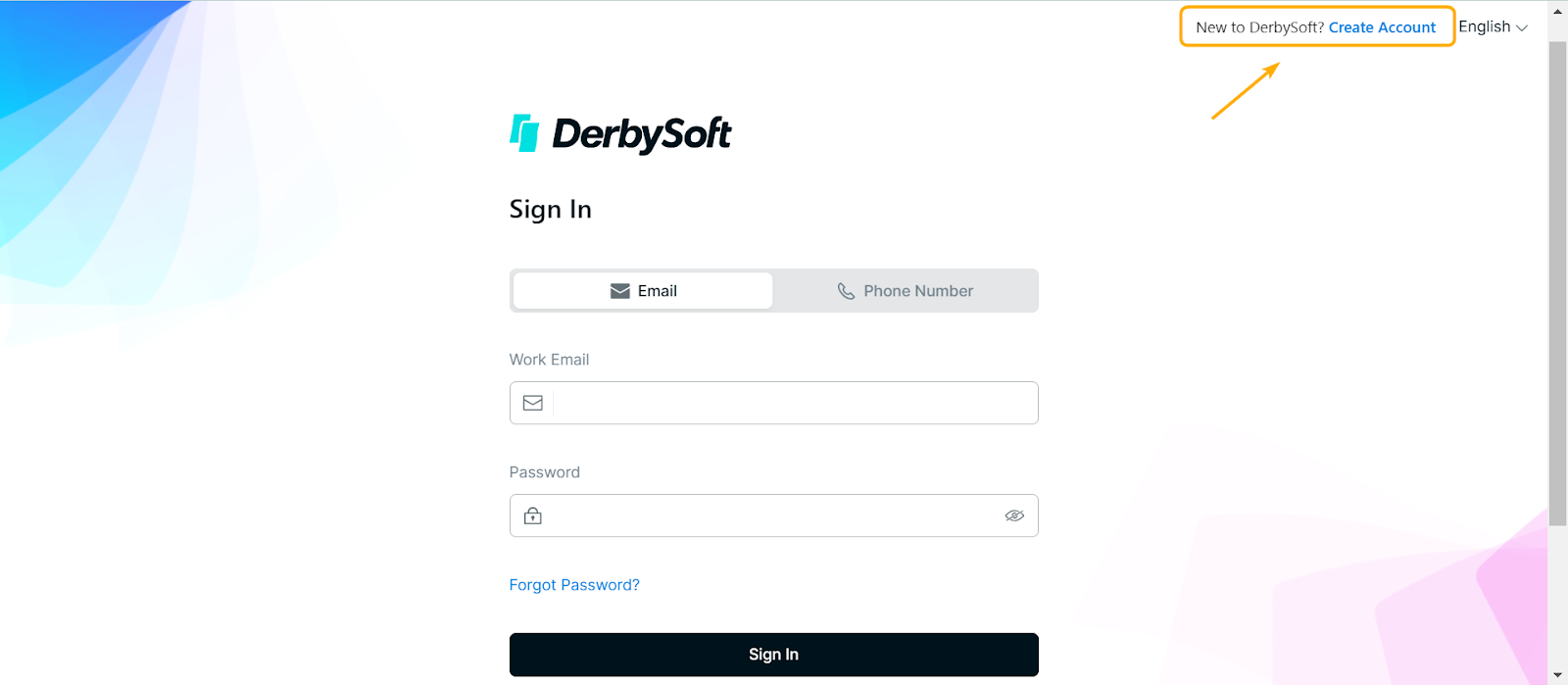
Click on the Login Page (https://ticket.derbysoftsec.com) and click Create Account.
Step 2: User Registration
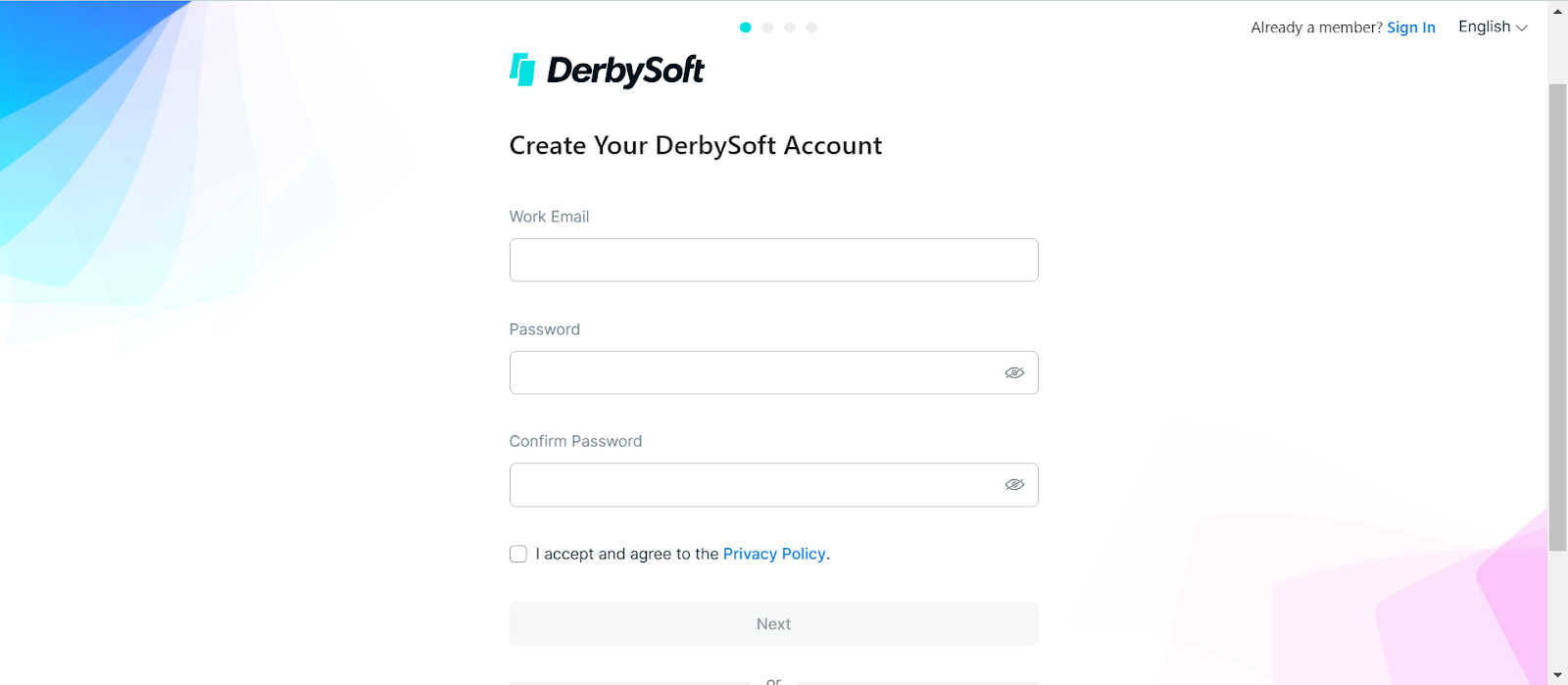
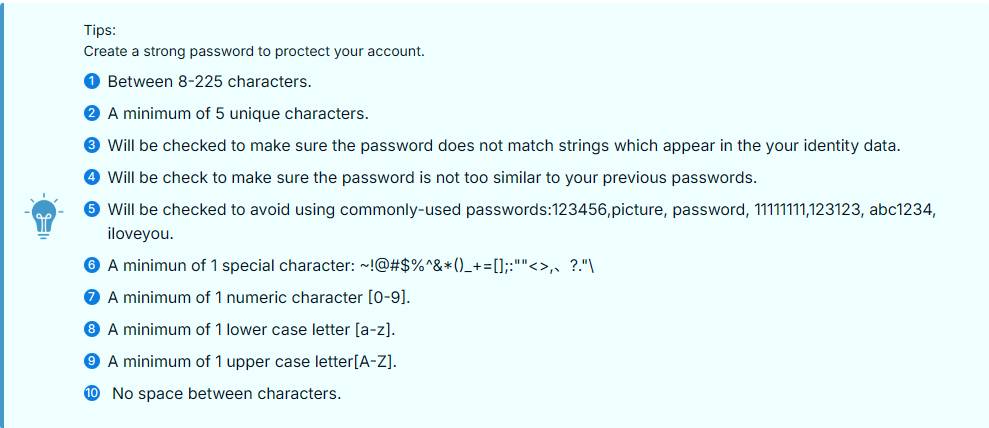
Enter your work email, accept the Privacy Policy, and click Next.
Step 3: Account Verification
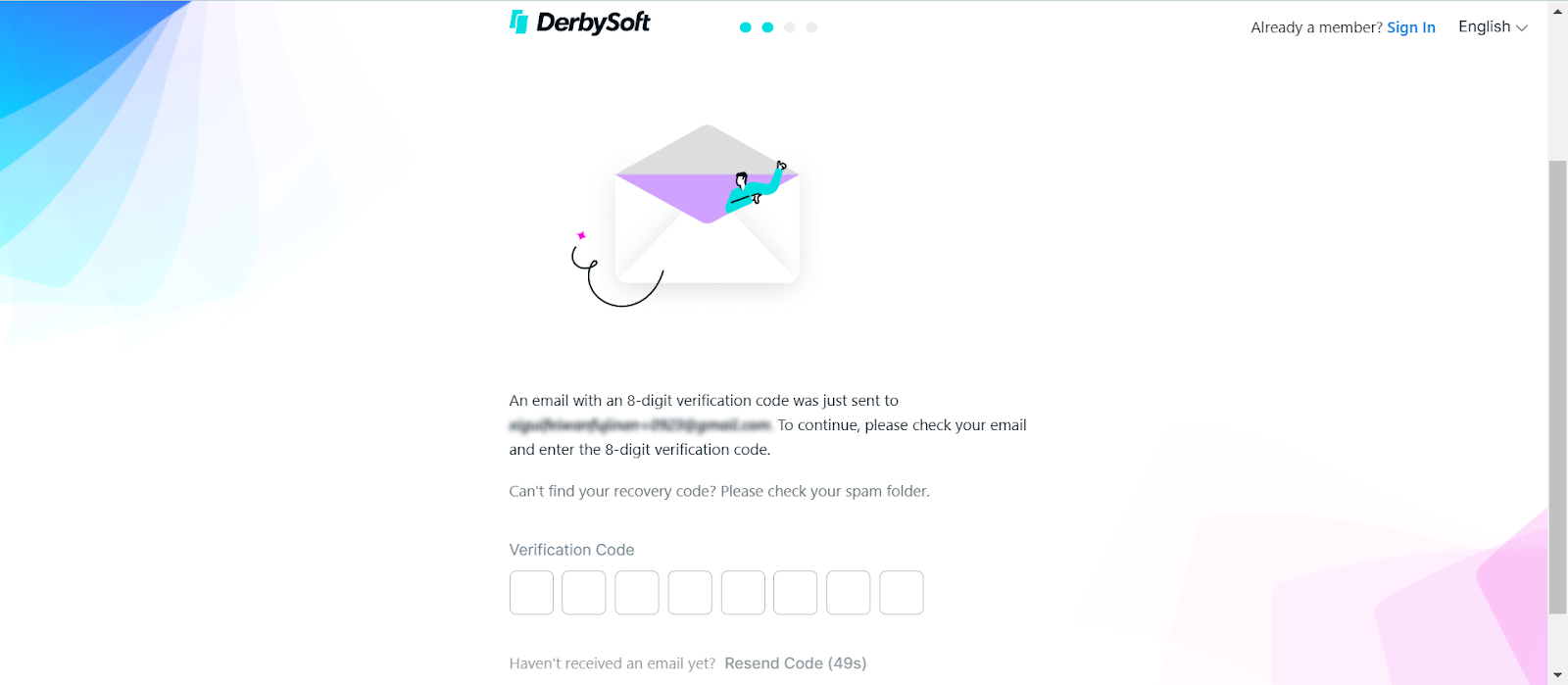
You will receive an email with a Verification Code to verify your account.
If you have not received the Verification Code email, please check your spam or junk folder or click the Resend Code button.
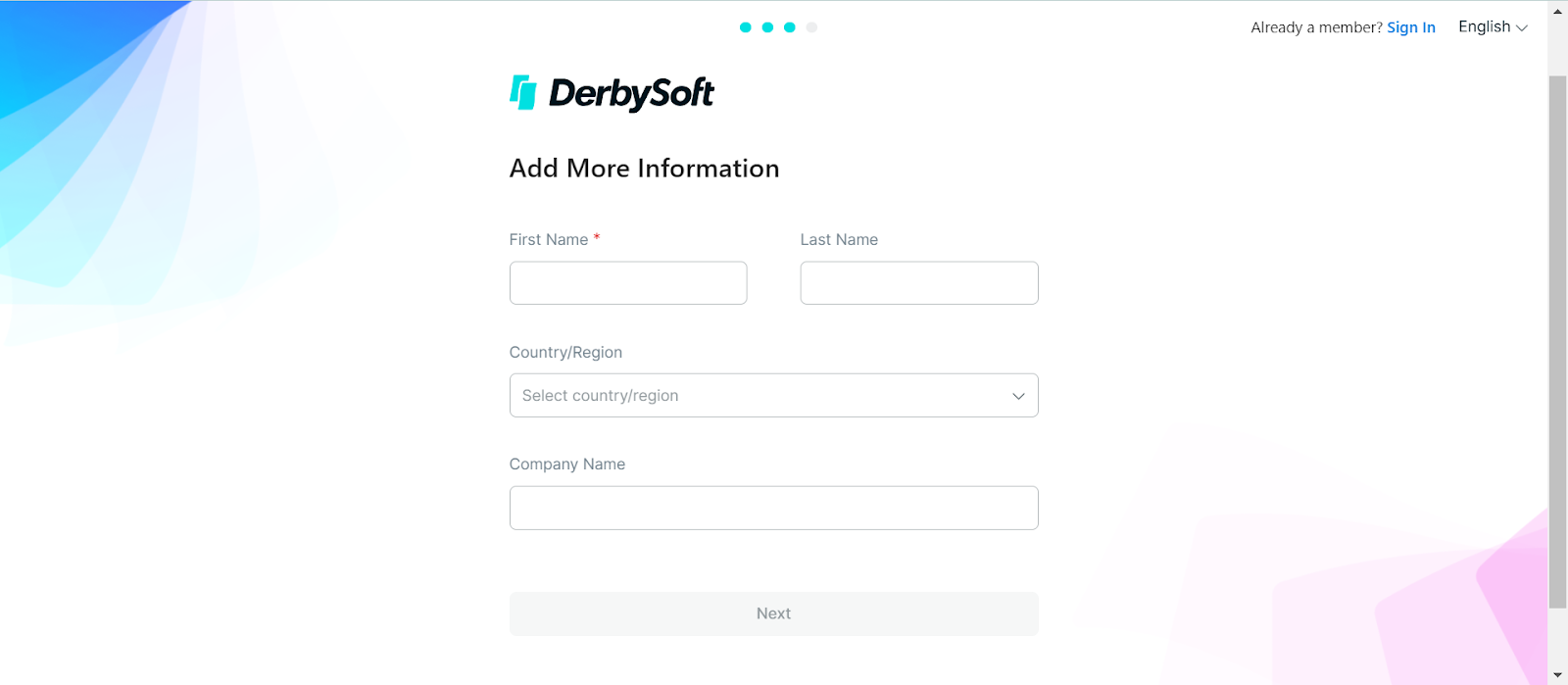
Step 4: Add Information
Enter first name, last name, select country/region, and company name. Click Next.
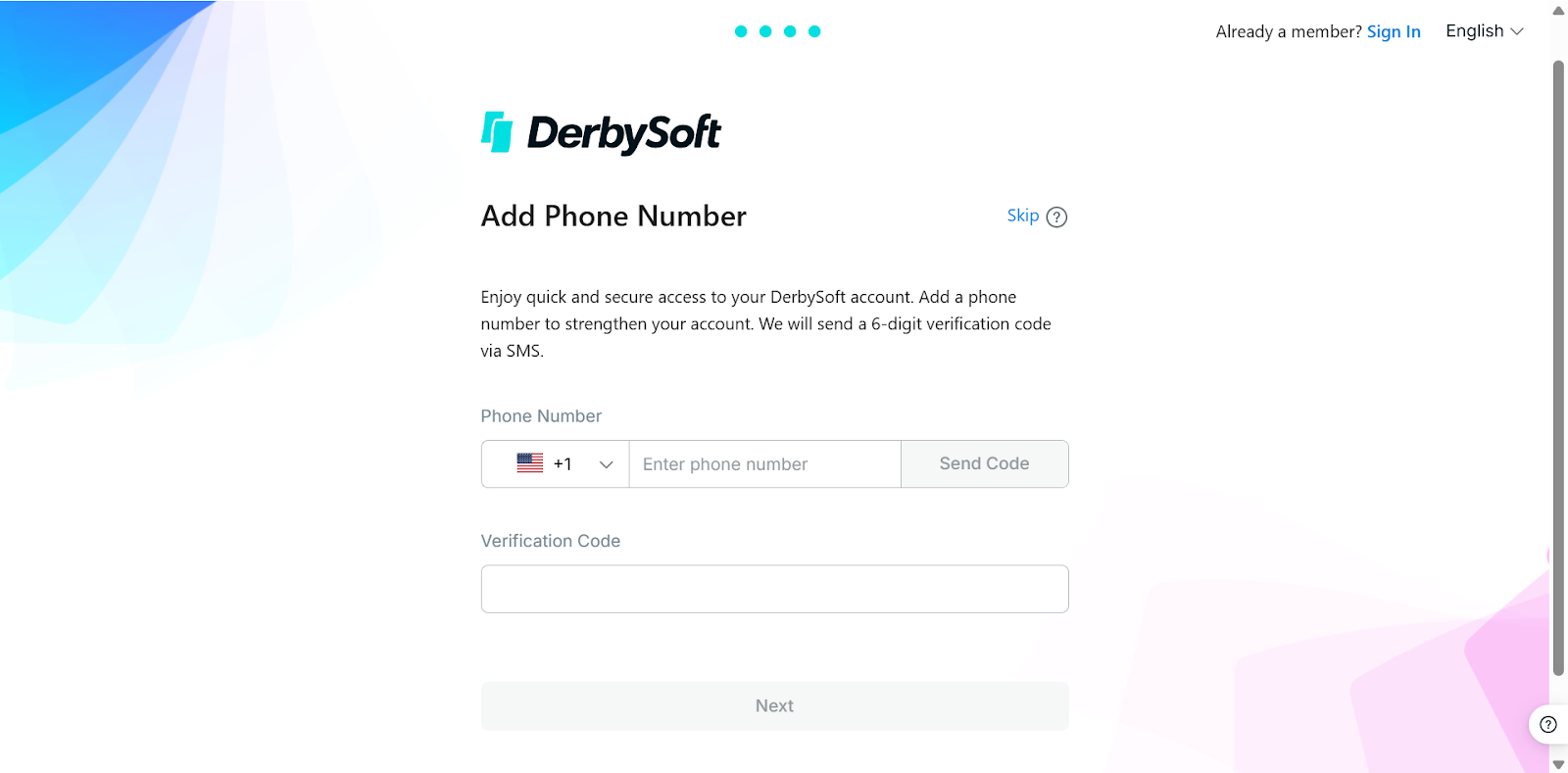
Step 5: Add Phone Number
Select your country code, enter your phone number, click the Send Code button, and enter the code you received on your phone. If not, please click Resend Code.
If you want to add your phone number later, click Skip to the next step.
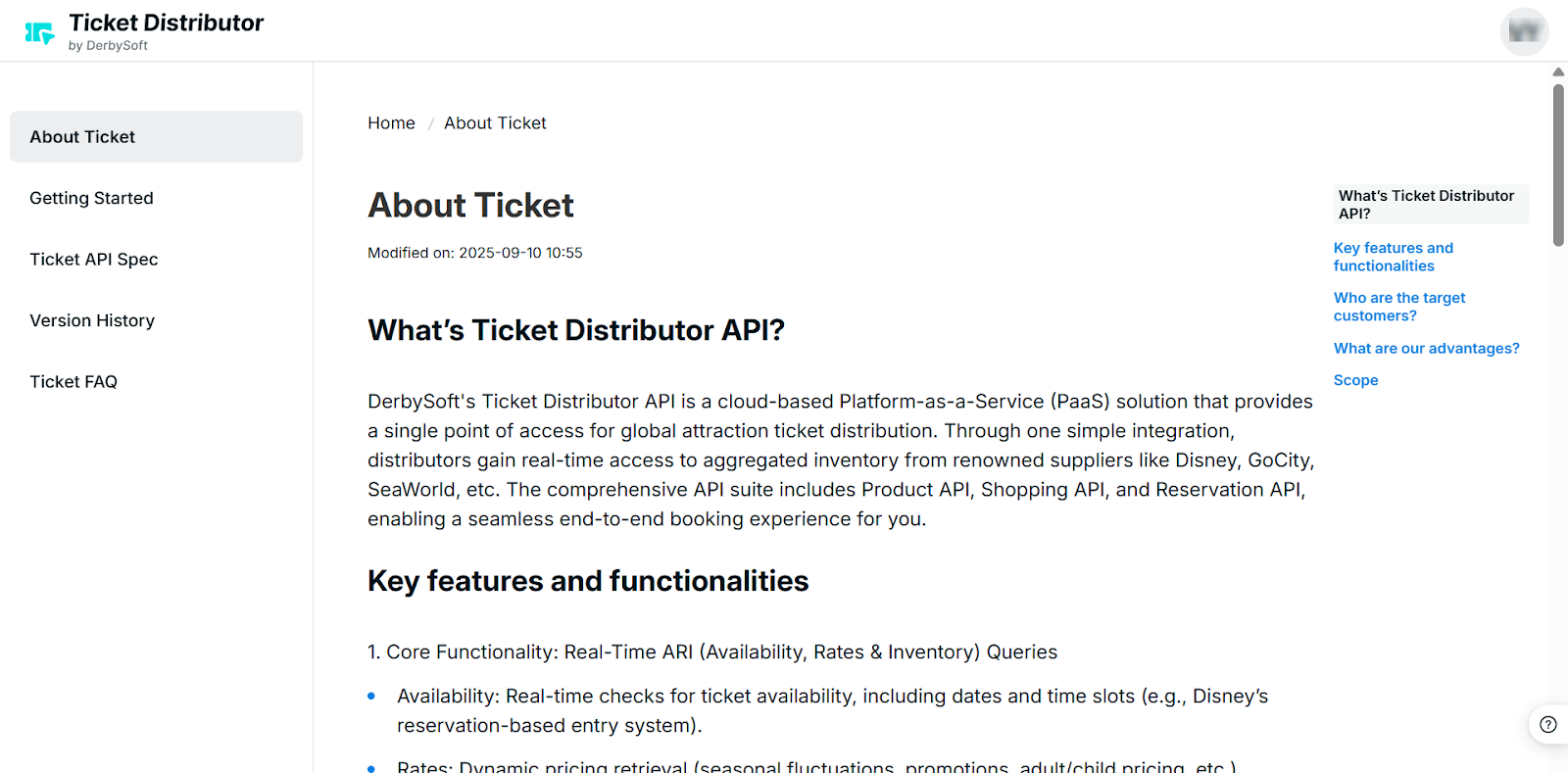
Step 6: Enter Ticket Distributor
Once registration is complete, you can enter Ticket Distributor.
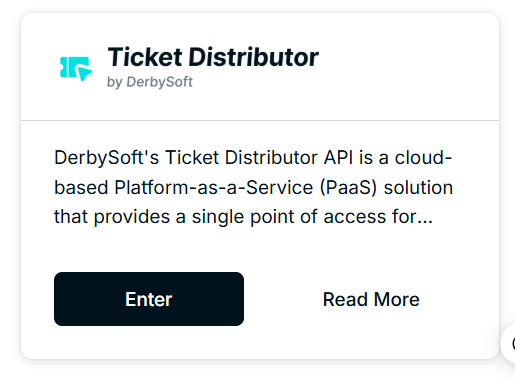
Alternatively, click Enter on the product card to access Ticket Distributor.
Did you find it helpful? Yes No
Send feedback